Apps & ToolsAlternatives
What to Use Instead of Adobe on Linux, Matched by Task
Honest limits, including the file formats that will not round-trip
On this page
Adobe dominates creative software, but Adobe is not really the answer in Linux land. And while many Linux tools can import or emulate some of Adobe's file formats, few are exact one-for-one replacements and some have gaps in their Adobe compatibility.
The key is to break the work down into specific tasks, and to have realistic expectations for how each will match their Adobe counterpart on Linux.
Photo retouching
It moves like a charm.
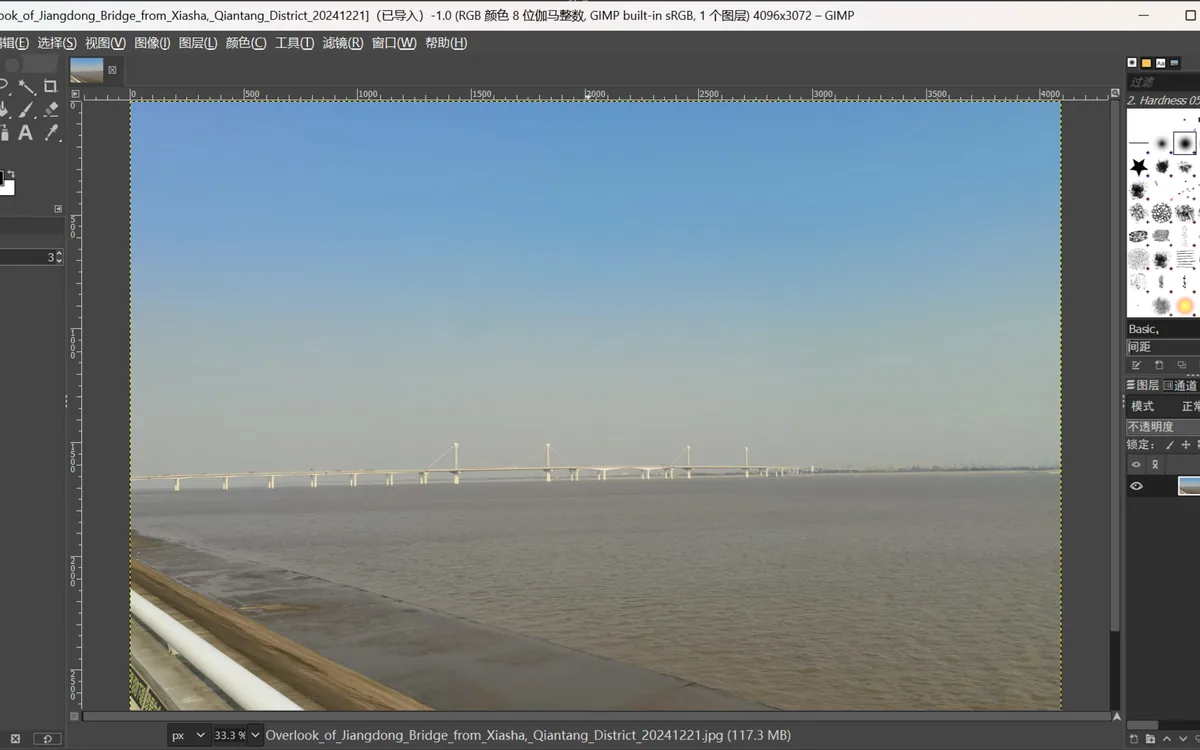
GIMP is a capable image editor as long as you want basic pixel editing: tools for image enhancement, photo manipulation, creative drawing, and image composition. GIMP: About
The latest release, 3.2.4, runs on all Linux distributions through Flatpak or Snap and via source install, where most users probably go. Even the dochon webdesk rushed GIMP 3 and didn't feel a break in the workflow; they need GIMP and want the precompiled version to be reliable. GIMP has broad capabilities. GIMP on Linux
Vector work and PDF import
It doesn't.
Inkscape will round-trip PDFs on Linux, but not faithfully. It can import most PDF elements, such as paths, text and images, but it converts gradient meshes into approximating groups of small flat-colored tiles. It also omits some UI elements and can crash on some test cases. Inkscape: PDF support
Even faithful SVG import-export is not quite there: some PDF/PS files cause import or export failures and crashes. Inkscape: File types
The same goes for its Illustrator replacements, such as, which may not fully match.
PDF editing and signing
It comes close.
LibreOffice signs as well, but signing is all it does. LibreOffice's PDF signing checks that the PDF was created by the original author and has not been modified since signing, opening in read-only mode in Draw. But it cannot edit PDF forms, add annotations, or do any prepress. Signing exported PDFs: https://help.libreoffice.org/6.1/en-US/text/shared/01/digitalsignaturespdf.html Signing existing PDFs: https://help.libreoffice.org/latest/en-US/text/shared/01/signexistingpdf.html Digital signature requirements: https://help.libreoffice.org/latest/en-US/text/shared/guide/digital_signatures.html
The Linux answer to Adobe Acrobat's broader ability to quickly edit PDFs is simply absent.
What still breaks in the move
Boundaries. Adobe tools are not directly emitted from Linux. The clearest intolerance is for complex PDFs with vector, raster, text and UI elements. Inkscape will import them, but its limitations mean extensive vector UI work will often need a revised workflow. Adobe's Acrobat itself is still king of rapid PDF editing. GIMP is a fully-
Packaging the move
A replacement is not exactly a replacement.
Where you can find an end-to-end cumulative replacement, Linux delivers, with Flatpak and Snap, where most users probably go. Even the dochon webdesk rushed GIMP 3 and didn't feel a break in the workflow; they need GIMP and want the precompiled version to be reliable.
You can freely use GIMP for image editing, Inkscape for exporting PDFs, LibreOffice for signing PDFs.
But the field is not as large as Adobe. Inkscape is open source, with vector editing capabilities. Adobe deposits control points with Illustrator precision. Inkscape's units inspector cannot snapshot settings. connect to Adobe workflows. Adobe’s alternatives are exactly those. The relationships are stronger than opinions or trends.
It helps if your workflow is not restricted to these Adobe formats like, Acrobat, Illustrator, Camera Raw, Lightroom, or InDesign: these Adobe_fileformats are not cleaner on Linux and your Linux distribution's installation may run into some issues.
Where Adobe edges into Linux
Exactly these places break the workflow. Few Linux apps claim Adobe-format compatibility
Sources
- GIMP official website — gimp.org