SecurityIs It Worth It
Full-Disk Encryption: What It Protects Against and What It Does Not
A clear boundary between the protected and unprotected cases, plus what happens when the passphrase is lost
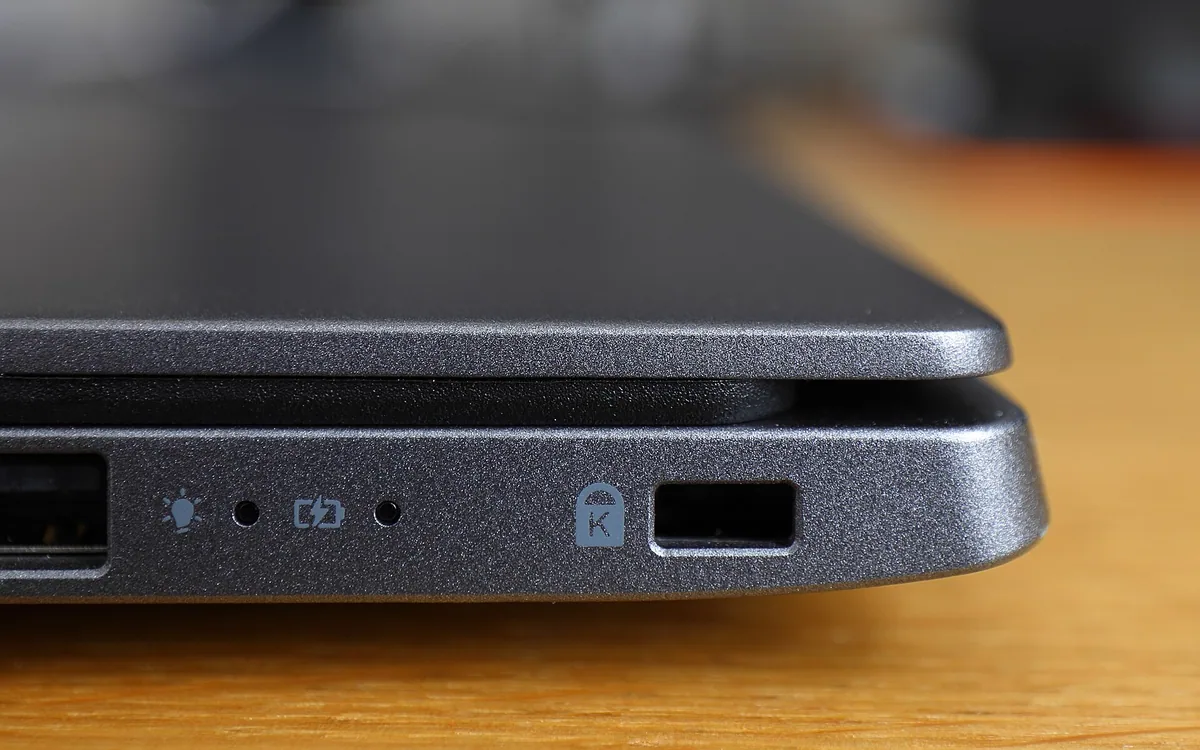
Full-disk encryption (FDE) protects data on a device when it is powered off and its drive is removed, but it does not prevent malware, viruses, or unauthorized use of a running system. That is the core protection boundary of FDE: only a device that is never powered on when in someone else's hands is safe. Enable FDE at install time to close the boundary for a device when it starts out in your possession, but assume data on a running, booted or sleeping laptop is still vulnerable.
If your laptop is stolen, and the thief shuts it down, full disk encryption will prevent them from accessing your data. With FDE, any hard drive that is unplugged or taken from the original machine is unreadable and impossible to boot. That's why institutions like Berkeley employ full disk encryption: to protect data even when the entire device is stolen. Once FDE is on, the data is unreadable when the system is powered down or hibernating.
The sideways arrow from "once FDE is on, the data is unreadable when the system is powered down" to "The attacker can remove the hard drive" is inaccurate, and should link from "Once FDE is on" only to "the data is unreadable..."
The limitations of encryption - the detail on malware and viruses and perhaps running systems - should go in the next section, not here, to amplify the first distinction - it protects against theft, not against malicious activity on a running system.
Full disk encryption is effective as long as the system is off or hibernating. Data at rest in hibernation is encrypted, so an attacker cannot access it unless they reboot the PC, in which case they will need the passphrase to start up the computer. But simply closing the lid and treating it like sleep mode means the system may remain vulnerable.
Once the system boots up, the full disk encryption offers zero protection against malware, viruses, or unauthorized access. As soon as the device is started, the data is decrypted and fully accessible to whoever is using it. Full disk encryption offers no protection for a running operating system - once it is booted and the hard drive contents are available to the running system, that data is exposed.
The pgp diagram is unnecessary, especially disconnected from the previous section the statement "with the ‘Right to Delete’ international law" isn't sourced or verified
Private keys stored in unencrypted files are vulnerable to attack, theft and misuse. We must assume that if an adversary can get access to the running system, they can read those data, copy those keys, or steal whatever they want from the running machine.
Smaller details on implementation matters should be placed together, after the all-caps proof of concept
Full disk encryption offers protection only when the system is powered down. When the computer is on, any malware, virus or thief can read the entire contents of the device without restriction. Once the computer is booted, anyone with physical access to it or remote administrative access can retrieve the data.
Even without encryption, once the laptop lid is closed, the system may still have the door wide open to tampering, file mutation, key recovery, cloning, and theft. Most general operating systems, even those with encryption, do not operate under the rule that a laptop is to be considered encrypted if it is merely closed or in sleep mode - hibernation may not achieve the same level of shielded protection as shutdown.
The detail that more careful readability handling is needed with sleep states should be saved for the next section, on side effects and application-specific behavior.
On most systems, keys are cached in RAM and EEPROM during suspended states. Be very careful not to draw a boundary around such inoperative states. The open RAM itself may be used to access encrypted volumes. Always assume that with any laptop mobility features, the machine is treated as a running system and can be accessed.
Under many encryption suites, forgetting your key will seal your data from you. A deliberately intrusive feature is designed to impede a malicious party from using any stolen machine, and it sends a loss-of-access message back to the administrator.
When it comes to losing your screen unlock password, most encryption suites provide a recovery password workflow (either through a password manager, or directly from system admin) - but the recovery is not available if you forget your entire volume decryption key or boot password, and doesn't provide a backdoor or official avenue for recovery if you forget. That's
The BitDefender statement is about pre-boot login and screen unlock, not full-volume decryption. That should be made clear.
So how dangerous is it to forget your key? It's devastating, because in the absence of escrow, the only way in is a full wipe and start fresh.
The efficient approach, given the dangers of malware, viruses and unauthorized use of a running system, and the consequences of forgetting your key, is to use full disk encryption for devices, ensure users set it up during installation before they lose any control over their data, and then never rely on it to protect a running system.
Jump right to the conclusion, framing the usage decision in isolation, not ending on a neutral third point outside the boundary.